
Now with its own home
Full features, connectivity guide, pricing, FAQ, and downloads live on the dedicated Panther Barcode Reader site at barcode.panthersoft.net.
Panther Barcode Reader
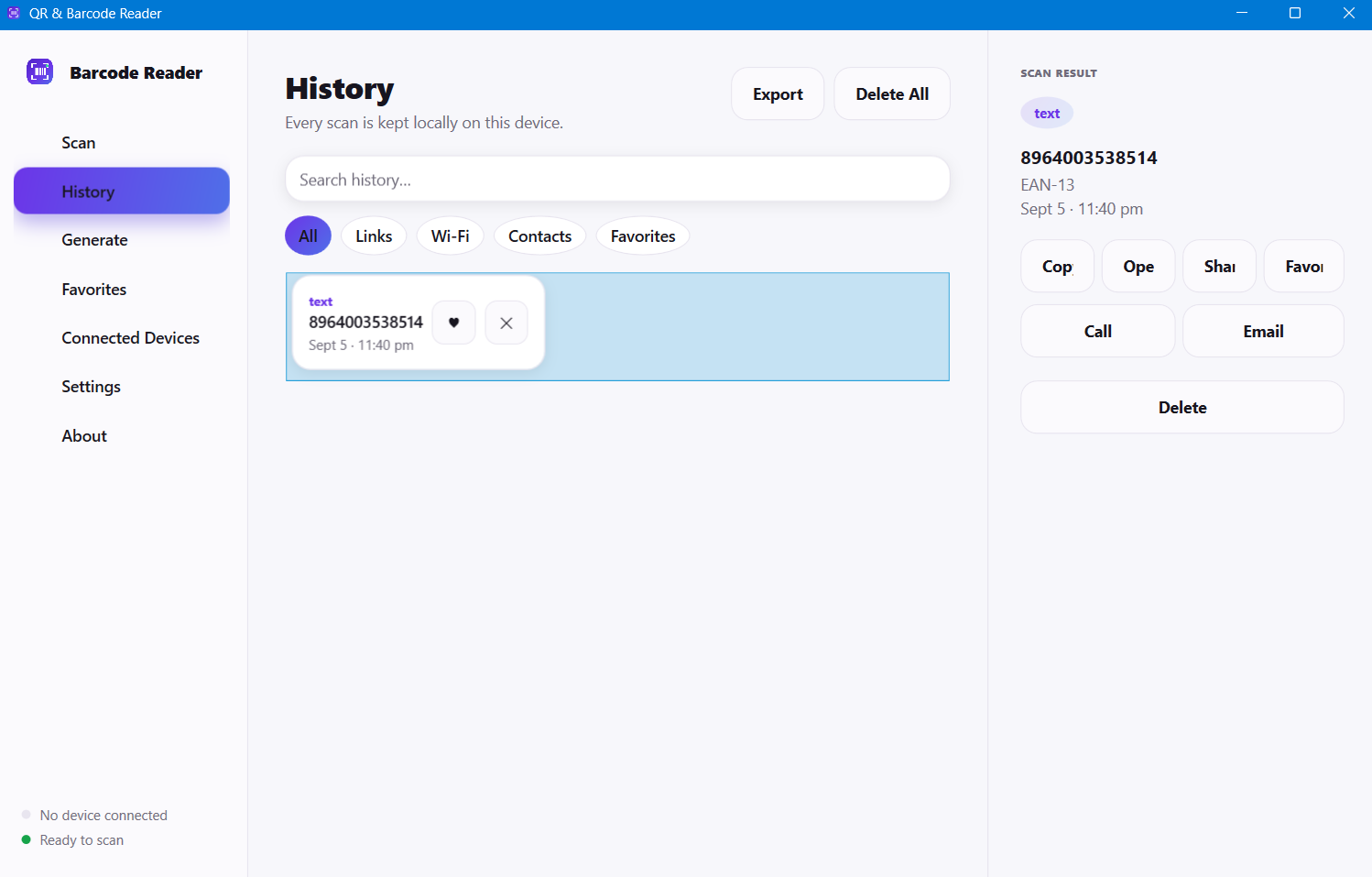
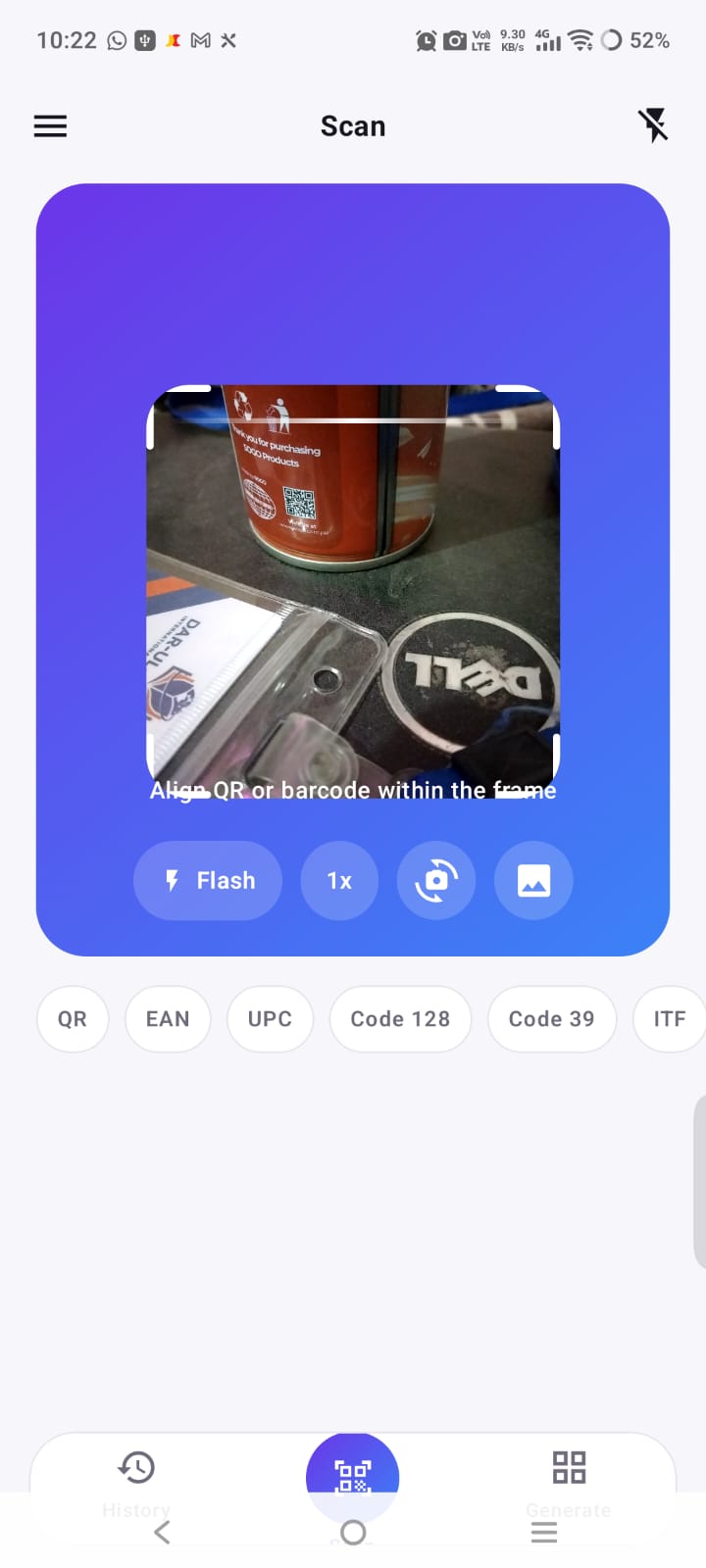
Panther Barcode Reader is a modern QR and barcode scanner with two apps that work together: a free Android app and a Windows desktop app. Scan QR codes and common barcode formats with your camera or from an image, keep an organized local scan history, save favorites, and generate your own QR codes. Pair your Android phone and Windows PC over the same Wi-Fi network or by Bluetooth and share scan results between them in either direction — the Windows app can also type a scanned value straight into another application, like a hardware barcode scanner. Scan history is stored locally on each device and is shared only with paired devices you choose.
Features:
- ⦿ QR & barcode scanning (camera or from an image)
- ⦿ 12 supported formats — QR, EAN-13/8, UPC-A/E, Code 128/39, ITF, Codabar, Data Matrix, PDF417, Aztec
- ⦿ Organized local scan history & favorites
- ⦿ QR code generator (URL, text, Wi-Fi, contact, email, phone, SMS, location, calendar)
- ⦿ Android ↔ Windows pairing over Wi-Fi or Bluetooth
- ⦿ Two-way scan sharing & history sync between paired devices
- ⦿ Windows: type scans into any app, like a hardware scanner
- ⦿ Export & share results; local-only storage
Platforms:
- ⦿ Android 7.0 or later — free to download and use
- ⦿ Windows 10 & 11 (64-bit) — free to use; a one-time Windows Personal licence removes the 100-most-recent-scans history limit
- ⦿ No account required for local device-to-device sharing
how it works
Connect, scan, and share in three steps
Connect
Pair your Android phone and Windows PC over Wi-Fi or Bluetooth. You confirm a short code the first time so only your devices are linked.
Scan
Scan any supported QR code or barcode on either device — with the camera or from an image you already have.
Share
Send the result instantly to the connected device — phone to PC, or PC to phone.
Your scans stay with you
Scan history is stored locally on each device. Results are shared only with paired devices you authorize, and only when you choose. No cloud account is required for local device-to-device sharing.
Get Panther Barcode Reader
Free on Android, free to use on Windows. Turn your phone and PC into a connected scanning workspace.