

Memora
Photo organization for Windows
Organize a large photo library by the people in it. Memora detects and groups faces locally on your PC, finds duplicate photos, and helps you sort everything into albums.
- Windows 10 (64-bit)
- Windows 11 (64-bit)
QR code and barcode scanner for Android and Windows
Scan QR codes and barcodes, create your own QR codes, and send scan results between your Android phone and Windows PC over Wi-Fi or Bluetooth.
Panther Barcode Reader is a QR code and barcode scanner with apps for Android and Windows. Scan with your camera or from an image, keep a searchable history of your results, and create QR codes for links, Wi-Fi networks, contacts and more.
The Android and Windows apps can be paired over your local Wi-Fi network or Bluetooth, so a code scanned on your phone can be sent to your PC, or the other way round. On Windows, a scanned value can optionally be typed into the app you're working in, the way a hardware barcode scanner works.
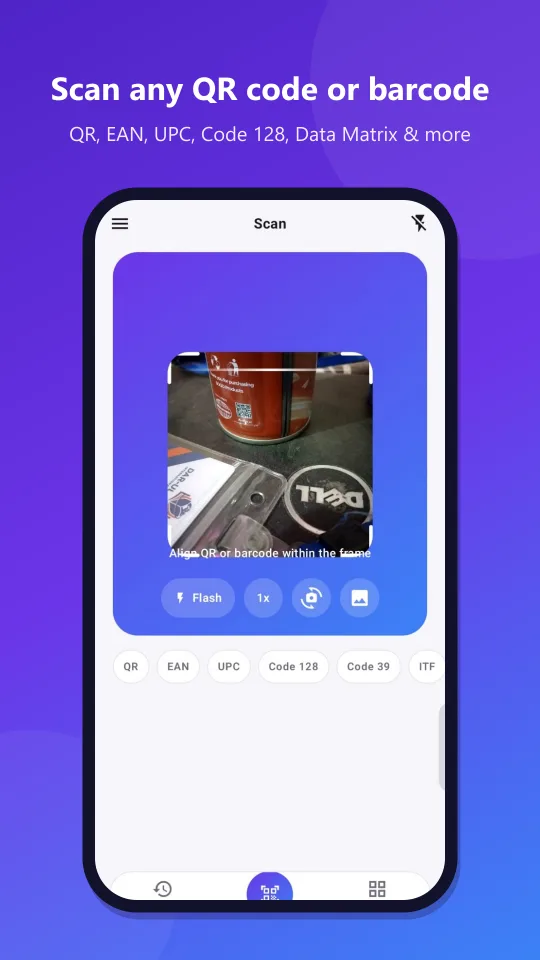
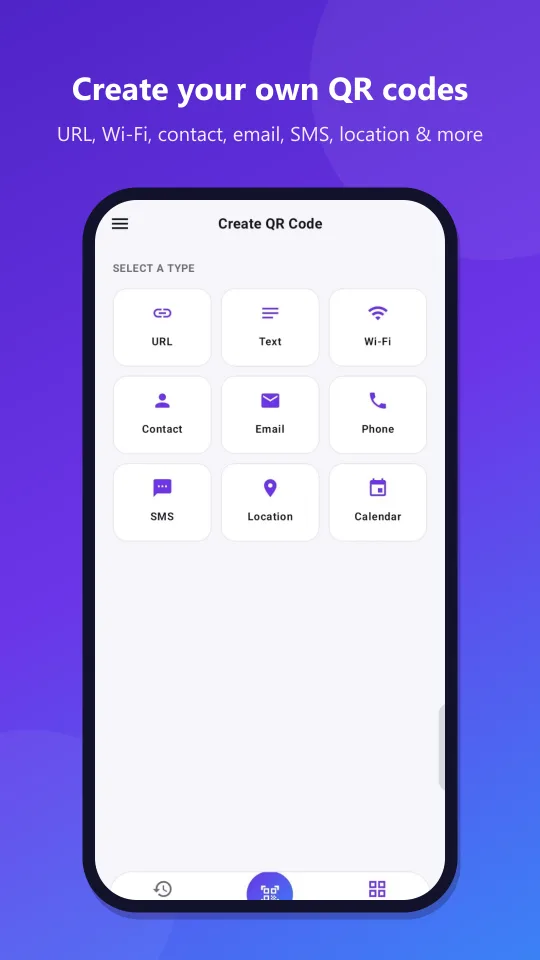
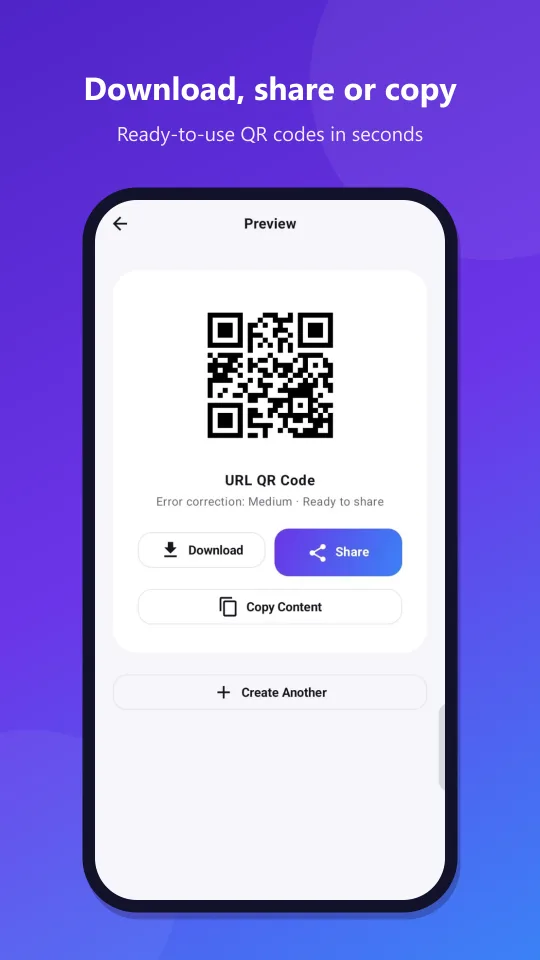
Scan with your camera, with automatic detection, flashlight and zoom on Android, or decode a code from an image you already have.
Reads QR Code, EAN-13, EAN-8, UPC-A, UPC-E, Code 128, Code 39, ITF, Codabar, Data Matrix, PDF417 and Aztec. Support can vary by platform and camera.
Recognizes links, Wi-Fi details, contacts, email addresses, phone numbers, SMS, locations and calendar events, so you can open, copy or share a result.
Create QR codes for URLs, text, Wi-Fi networks, contacts, email, phone numbers, SMS, locations and calendar events.
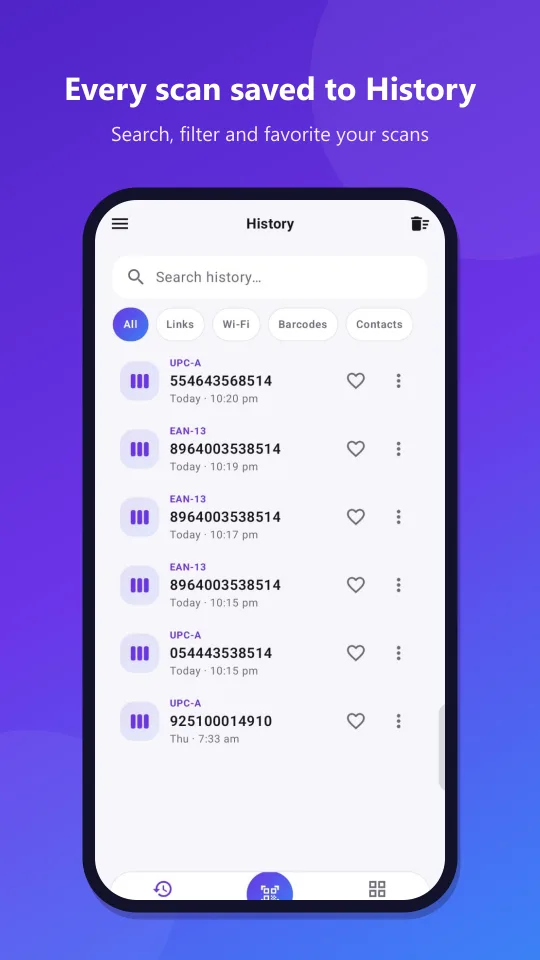
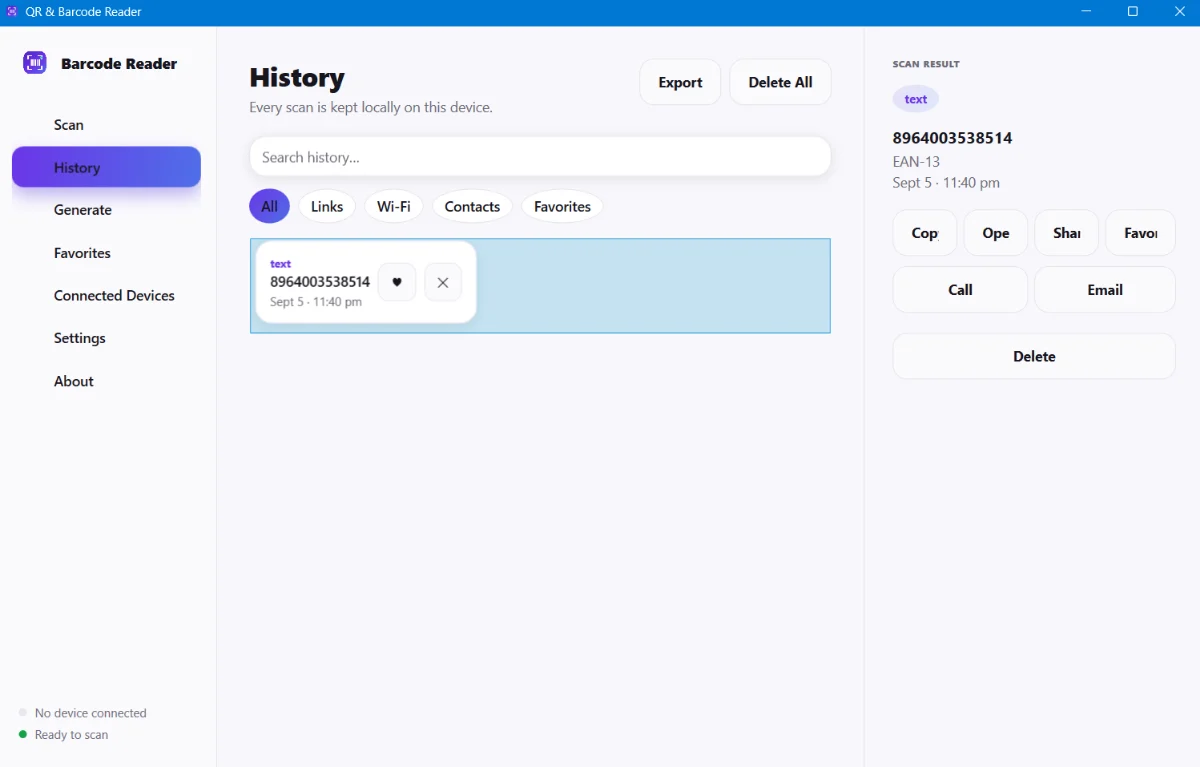
Scans are saved to a local history you can search and filter, and you can star the ones you need again. On Android, history saving can be turned off.
Pair the Android and Windows apps over the same Wi-Fi network or Bluetooth and send scans in either direction, with optional history sync.
On Windows, a scanned value can optionally be typed into the app that has focus, such as a spreadsheet or a form field.
Copy, share, save or export results using your device's standard sharing options.
Scanning, history and local device sharing work without creating an account.
Use it on Android, on Windows, or on both.
Point the camera at a code or open an image that contains one.
Open a link, join a Wi-Fi network, copy the value or share it.
Optional: confirm the same short code on both devices to pair them.
Send scans between phone and PC and keep history in sync.
Current pricing, purchase options and refund terms are published on the official Panther Barcode Reader website.
Free to download and use. The Google Play listing is being prepared; check the official site for current availability.
Free to use with no time limit. The history shows your 100 most recent scans.
A one-time purchase with a perpetual license for unlimited scan history, on up to 2 personal Windows devices. A 14-day trial is available.
More answers, support and the product's legal terms are on the official site.
No. Scanning, history and sharing between your own paired devices work without an account.
No. Your history, favorites and generated codes are stored on your device. They are shared only with devices you have paired, and only when you choose to.
Install the app on both devices and pair them over the same Wi-Fi network or Bluetooth by confirming the same short code on each. You can then send scans in either direction.
QR Code, EAN-13, EAN-8, UPC-A, UPC-E, Code 128, Code 39, ITF, Codabar, Data Matrix, PDF417 and Aztec. Support can vary by platform and camera.
Downloads, current pricing, purchase options, the refund policy and support are published on the official site, barcode.panthersoft.net.
Photo organization for Windows
Organize a large photo library by the people in it. Memora detects and groups faces locally on your PC, finds duplicate photos, and helps you sort everything into albums.
Modern native and cross-platform mobile applications for Android and iOS.
View serviceWindows desktop software for productivity, automation and day-to-day business operations.
View serviceWe build custom desktop, mobile and web applications. Tell us about your project and we'll reply with next steps.